
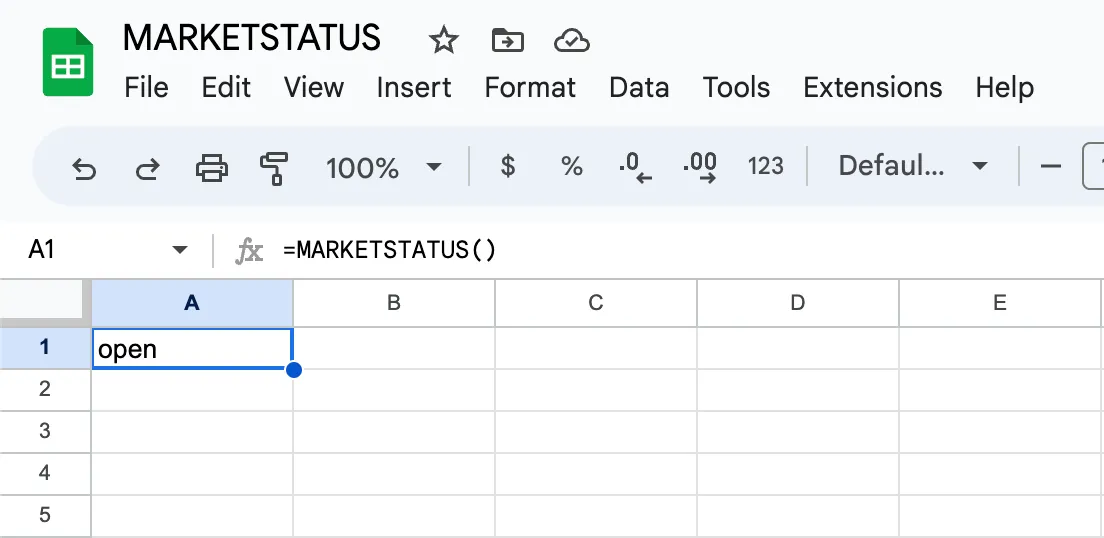
It can be useful to have a way to know what days the market is open or closed, especially since stock market holidays do not always coincide with national holidays. If you’re working with Google Sheets, Market Data’s Add-on provides this functionality automatically using a function called MARKETSTATUS. This formula will return either open or closed for any day in the past, present, or future, allowing you to build reports or formulas that take different actions based on the market’s status on a particular day.
The MARKETSTATUS formula only works on the daily timeframe. That means you can use it to determine if the market was open or not on a specific day, but not a specific time. Recently the the market closed early for a half day on Good Friday. The MARKETSTATUS formula will report the day as open, just as it would for any other day.
Check If A Single Date Is A Stock Market Holiday
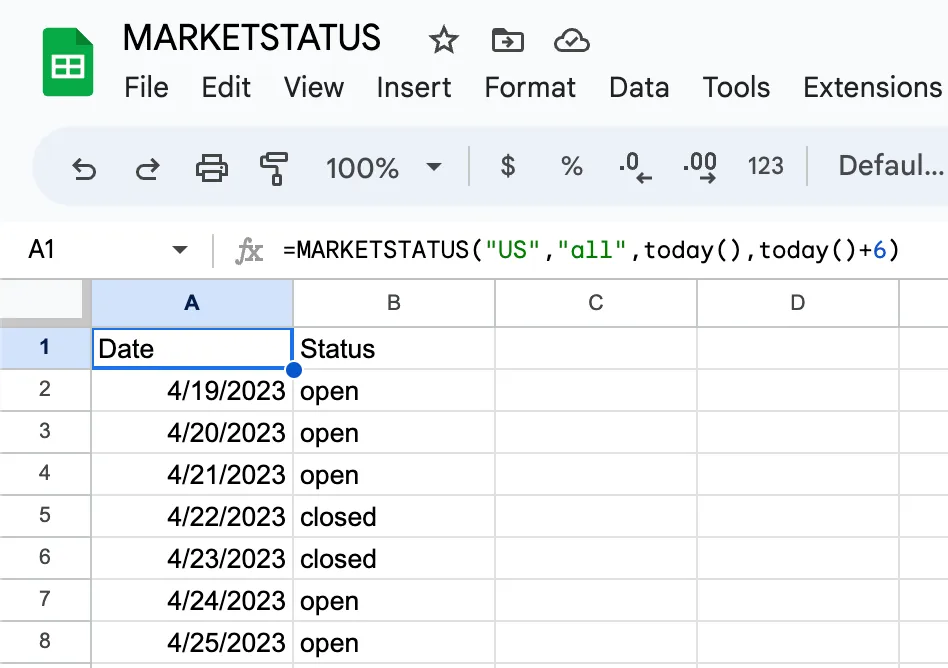
The syntax for MARKETSTATUS to get output for a single day is =MARKETSTATUS("country","attributes","date"). However, if you use =MARKETSTATUS() with no parameters, the formula will return the status of the current day for the United States.
For the country field, only the US is supported at this time. The attribute field allows you to filter what columns are used. For example, if you already had a list of dates and didn’t want the date field to display, you could suppress the output of the date column by only requesting “status” instead of “all”.
In the date field, you can also use a date in ISO or US format or any of the relative date keywords that Market Data supports for all its formulas, such as today, yesterday, or tomorrow.
Get Stock Market Holidays for a Range of Days
Add a second date as the 4th parameter to the MARKETSTATUS formula and you will be able to retrieve the status for a range of dates. The output will be a 2-column array if “all” is used in the attribute parameter of the formula. The dates can be fixed, or you can use Google Sheet’s built-in today() formula or our own relative date keywords to make the formula dynamic.
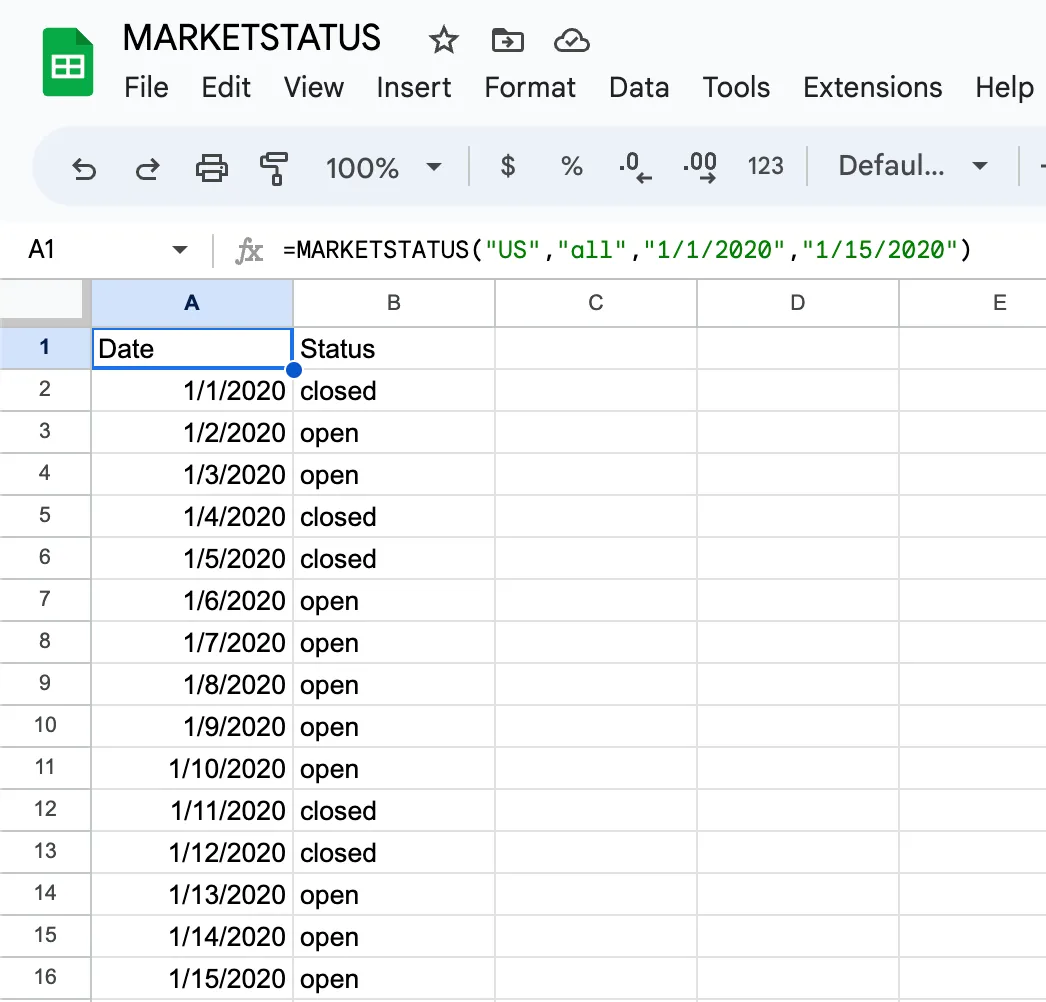
Here’s a few examples of how to use the formula:
- Today
=MARKETSTATUS()=MARKETSTATUS("US", "ALL", "today")
- Yesterday
=MARKETSTATUS("US", "ALL", "yesterday")
- Tomorrow
=MARKETSTATUS("US", "ALL", "tomorrow")
- Status for A Specific Date
=MARKETSTATUS("US", "ALL", "1/1/2023")=MARKETSTATUS("US", "ALL", "2023-01-01")
- Status for a Range of Dates
=MARKETSTATUS("US", "ALL", "1/1/2023", "1/15/2023")=MARKETSTATUS("US", "ALL", "1/1/2023", "today")=MARKETSTATUS("US", "ALL", "1/1/2023", "1/15/2023")=MARKETSTATUS("US", "ALL", today(), today()+6)
Limitations of the Market Status Formula
When retrieving dates in the future, Market Data will have one year of future market holidays in its database. You cannot use MARKETSTATUS to get the status 10 years in advance. Market Data also only includes a holiday database for markets we serve. At the time this article was written we only offer service for United States markets, so we only offer U.S. market holidays. As we roll-out additional countries and exchanges, we will incorporate their stock market holiday calendar into our database.